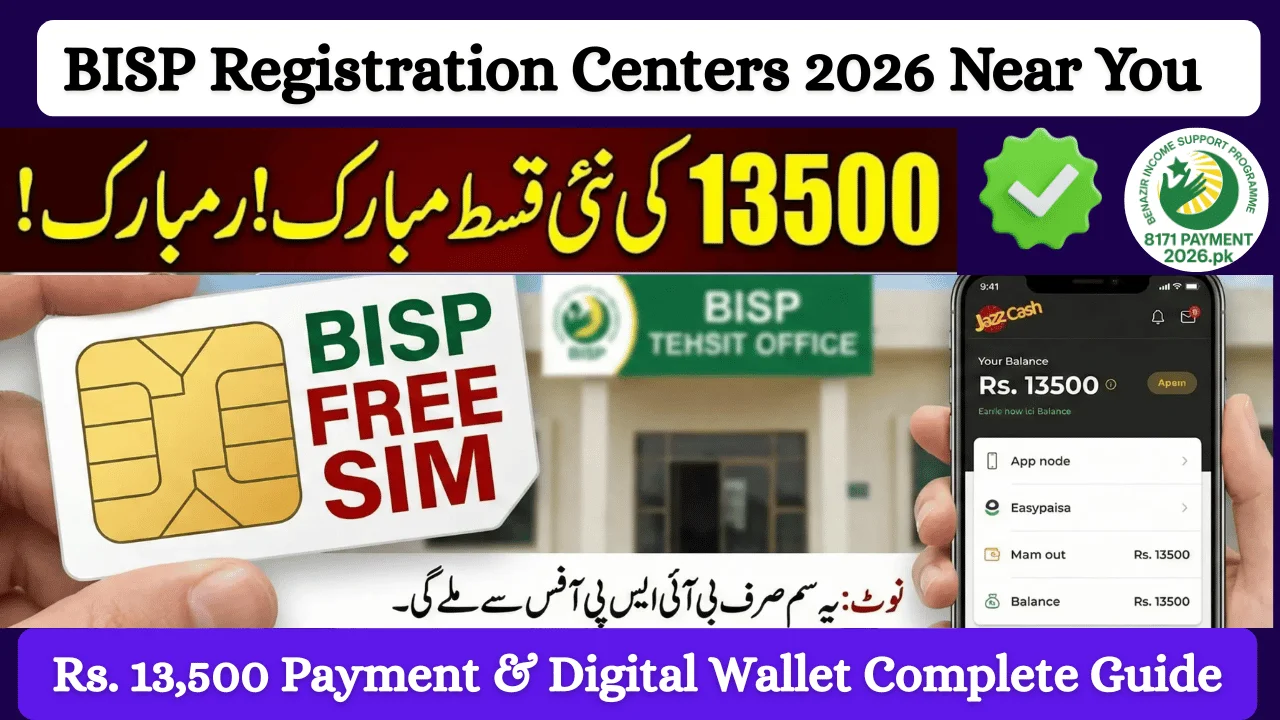
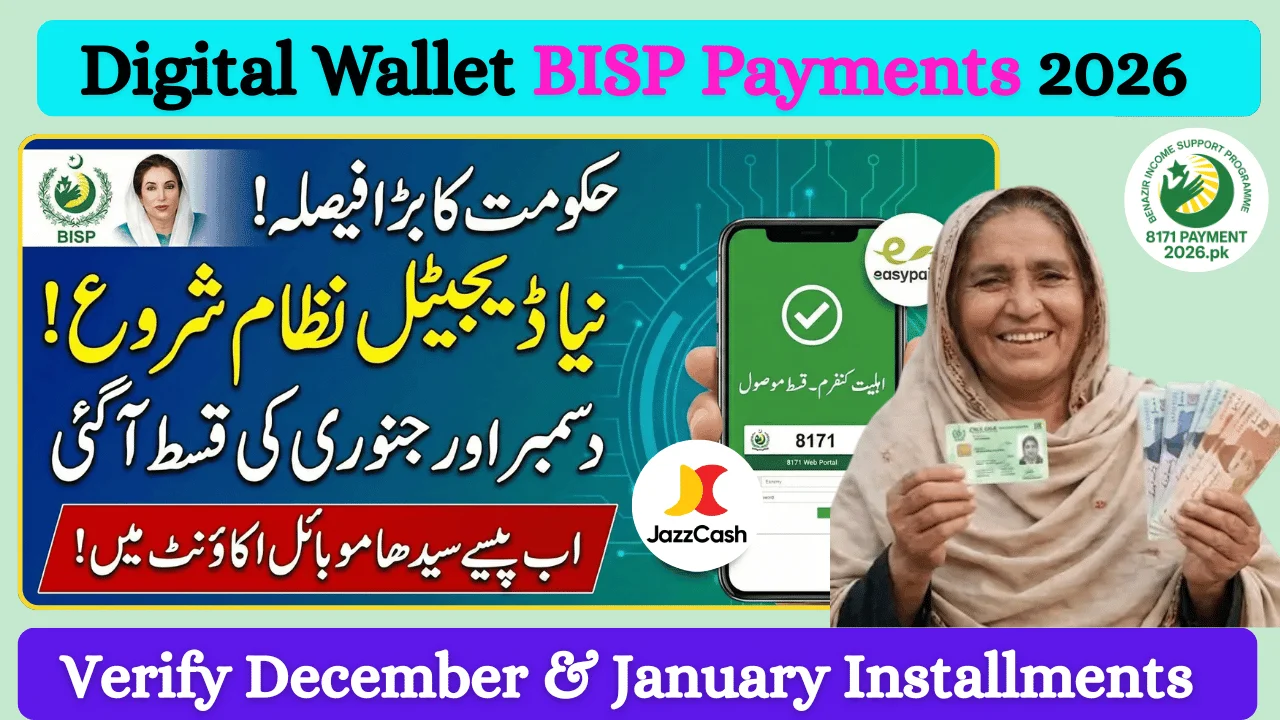
The Benazir Income Support Programme (BISP) has officially expanded its digital wallet payment system nationwide for 2026. This new method allows eligible beneficiaries—especially women—to receive their financial assistance directly into a mobile wallet, making payments faster, safer, and more transparent.
Instead of relying on cash distribution points or agents, BISP payments are now transferred to verified digital wallets such as JazzCash, Easypaisa, Konnect, and AlfaPay. If you are a BISP beneficiary and want to avoid delays in future installments, creating a digital wallet has become essential.
This complete 2026 guide explains why digital wallets are required, how to create one step by step, and what you must check before starting the process.
Why Digital Wallets Are Mandatory for BISP Payments in 2026
BISP has introduced digital wallets to improve the delivery of financial assistance and protect beneficiaries from fraud. Under the updated policy, beneficiaries who do not have a verified digital wallet may face payment delays or holds.
Key Reasons for This Shift
-
Faster and direct payment transfer
-
No involvement of agents or middlemen
-
Reduced fraud and unauthorized withdrawals
-
Full control of funds for beneficiaries
-
Better tracking and transparency
Since the wallet is linked to the beneficiary’s CNIC and personal SIM, payments reach only the rightful recipient.
What Is a BISP Digital Wallet?
A BISP digital wallet is a mobile-based account connected to your CNIC and SIM number. Once activated, all future BISP installments are sent directly to this wallet.
You can:
-
Withdraw cash from authorized agents
-
Use partner ATMs
-
Check balance anytime
-
Keep payments safe without carrying cash
Step-by-Step: How to Create a Digital Wallet for BISP Payments (2026)
Follow these steps carefully to avoid rejection or delays.
Step 1: Visit Your Nearest BISP Tehsil Office
Go to the nearest BISP Tehsil Office in your district. Online wallet creation is not available.
Bring:
-
Original CNIC
-
Your own active mobile number
Step 2: Verify Mobile Number Ownership
Your SIM must be registered in your own name (same CNIC).
If the SIM is registered under someone else’s CNIC, the wallet cannot be created.
Step 3: Update Mobile Number (If Required)
If your mobile number is not linked to your CNIC, BISP staff will guide you to update your record first.
This step is mandatory before wallet creation.
Step 4: Digital Wallet Creation
Once verification is complete, BISP staff will create your wallet in one of the approved services:
-
JazzCash
-
Easypaisa
-
Konnect
-
AlfaPay
👉 The wallet service is selected automatically based on your SIM network.
Step 5: Biometric Verification
Your fingerprints will be scanned to confirm your identity and activate the wallet securely.
Step 6: Wallet Activation & Confirmation
After successful biometric verification:
-
Your digital wallet becomes active
-
You receive confirmation from staff
-
Any pending installment (if applicable) is confirmed
Step 7: Receive Future BISP Payments Digitally
All upcoming BISP payments will be transferred directly to your wallet. You can withdraw funds from:
-
Authorized mobile wallet shops
-
Partner ATMs
-
Bank agents
How to Check BISP Status Before Creating a Wallet (Recommended)
Before visiting a BISP office, it is recommended to confirm your eligibility.
Official Method (Only One)
-
Send your CNIC number (without dashes) to 8171
-
You will receive an official SMS with your eligibility and payment status
⚠️ There is no official online registration or payment-check website for BISP.
Important Safety Guidelines
-
Never share CNIC photos or fingerprints online
-
Do not pay any agent or individual
-
Use only official BISP centers
-
Ignore fake websites claiming “online BISP registration”
Official BISP Helplines
📞 8171
📞 0800-26477
Why SIM Ownership Is Critical for Digital Wallet Creation
Most wallet creation failures happen because the SIM is not registered on the beneficiary’s CNIC.
If SIM Is Not in Your Name:
-
Wallet cannot be created
-
Payments may be delayed
-
You must update SIM ownership first
SIM ownership can be updated quickly at telecom service centers.
Benefits of Using a Digital Wallet for BISP Payments
-
Direct cash transfer
-
No long queues
-
Secure PIN-based transactions
-
Easy access to funds
-
Reduced risk of fraud
-
Time-saving and convenient
Conclusion
The BISP digital wallet system for 2026 is a major improvement in how financial assistance is delivered in Pakistan. Creating a digital wallet ensures that your payments are secure, timely, and fully under your control.
If you are a BISP beneficiary, complete your wallet registration as soon as possible to avoid delays in future installments and benefit from a safer payment system.
FAQs – Digital Wallet for BISP Payments 2026
Is a digital wallet mandatory for BISP payments?
Yes. BISP recommends digital wallets to receive future installments without delays.
Can I create a BISP wallet online?
No. Wallets are created only at BISP Tehsil Offices after verification.
Which wallets are supported by BISP?
JazzCash, Easypaisa, Konnect, and AlfaPay.
What if my SIM is not in my name?
You must update SIM ownership before wallet creation.
Is there any fee for creating a digital wallet?
No. The process is completely free.
How do I check my BISP eligibility?
Send your CNIC number to 8171 via SMS.
Disclaimer
This website provides informational content only and is not affiliated with BISP or any government department. Always rely on official BISP channels for verification and payments.