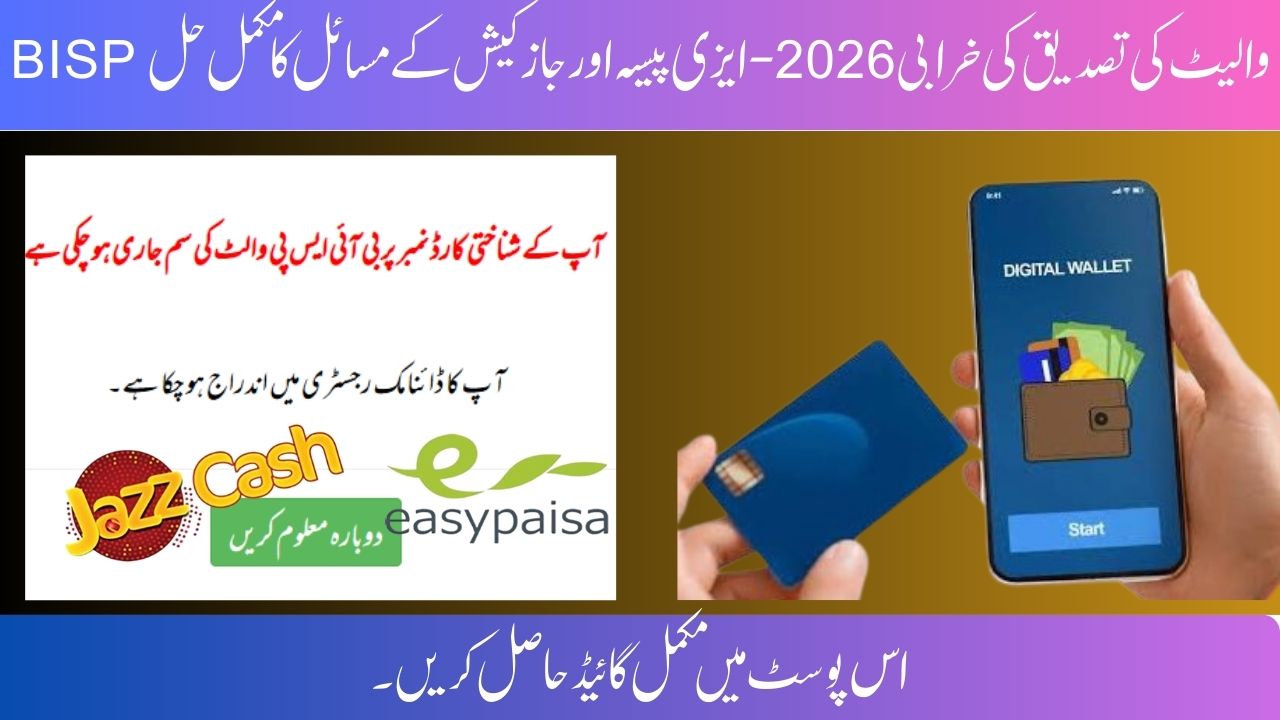
In 2026, many beneficiaries of the Benazir Income Support Programme (BISP) are facing problems while receiving payments through Easypaisa and JazzCash. The most common issue is the BISP Wallet Verification Error, where users see messages such as “Wallet already exists” or “CNIC is linked with another account”.
This complete guide explains why this error occurs, how to fix it step by step, and when to visit a BISP office to ensure smooth payment processing.
What Is BISP Wallet Verification Error 2026?
The BISP wallet verification error occurs when the system fails to activate a beneficiary’s digital wallet due to CNIC-related conflicts. Since BISP now uses strict CNIC-based verification to prevent fraud and duplicate payments, even small mismatches can block wallet activation.
This issue affects beneficiaries using:
-
Easypaisa
-
JazzCash
Why “Easypaisa or JazzCash Already Exists” Error Appears
This error usually appears for one or more of the following reasons:
-
CNIC already linked to an old or inactive wallet
-
Mobile SIM not registered on the beneficiary’s CNIC
-
A family member previously used the same CNIC

-
Wallet created earlier but never fully activated
-
Incomplete biometric verification at the agent level
⚠️ Even unused wallets can trigger this error if they were registered in the past.
How to Fix BISP Wallet Verification Error (Step-by-Step Guide)
Follow these steps carefully to resolve the issue and activate your BISP wallet successfully.
Step 1: Check Existing Wallet Status
Visit the nearest Easypaisa or JazzCash agent and ask them to check whether your CNIC is already linked to any wallet.
✔️ This step helps confirm if an old wallet exists in the system.
Step 2: Update SIM Ownership
Ensure the mobile number you are using is registered on your own CNIC.
If not:
-
Visit your telecom franchise (Jazz / Telenor)

-
Request SIM ownership transfer on your CNIC
📌 BISP payments will not work if the SIM is registered on someone else’s CNIC.
Step 3: Deactivate Old Wallet (If Required)
If an old or inactive wallet is found:
-
Request permanent wallet closure
-
Wait for confirmation from the service provider
-
Reapply for BISP wallet activation after closure
Step 4: Complete Biometric Verification
Visit an authorized agent and complete biometric verification.
If fingerprints fail:
-
Try alternate fingers
-
Visit a different agent location
-
Ensure hands are clean and dry
Quick Problem & Solution Overview
| Issue | Solution |
|---|---|
| Wallet already exists | Deactivate old wallet |
| CNIC & SIM mismatch | Update SIM ownership |
| Biometric failure | Retry at another agent |
| Payment not showing | Check via 8171 portal |
When Should You Visit a BISP Office?
If the wallet issue remains unresolved after completing all steps:
-
Visit your nearest BISP Tehsil Office
-
Carry your original CNIC
-
Explain the wallet verification problem
BISP officials can:
-
Reset your payment method
-
Switch you to an alternative payment option

-
Guide you on the next steps
Important Advice for BISP Beneficiaries (2026)
-
Use one CNIC, one SIM, and one wallet
-
Never share CNIC or biometric details with agents
-
Avoid unofficial calls or WhatsApp messages
-
Always verify payment status through 8171
Keeping your records consistent across NADRA, telecom companies, and BISP systems ensures smooth payments.
Final Words
The BISP Wallet Verification Error 2026 is a technical issue, not a permanent disqualification. By correcting CNIC, SIM, and wallet details, most beneficiaries can easily restore their payments through Easypaisa or JazzCash.
Stay patient, follow official procedures, and rely only on BISP-authorized channels for support.